
Clash Verge Rev ships roughly monthly, bundling Mihomo core updates, new protocol support and fixes. Both the client and the core move quickly — following along every couple of months is worth it. The current release is v2.5.1.
Option 1: In-app update (recommended)
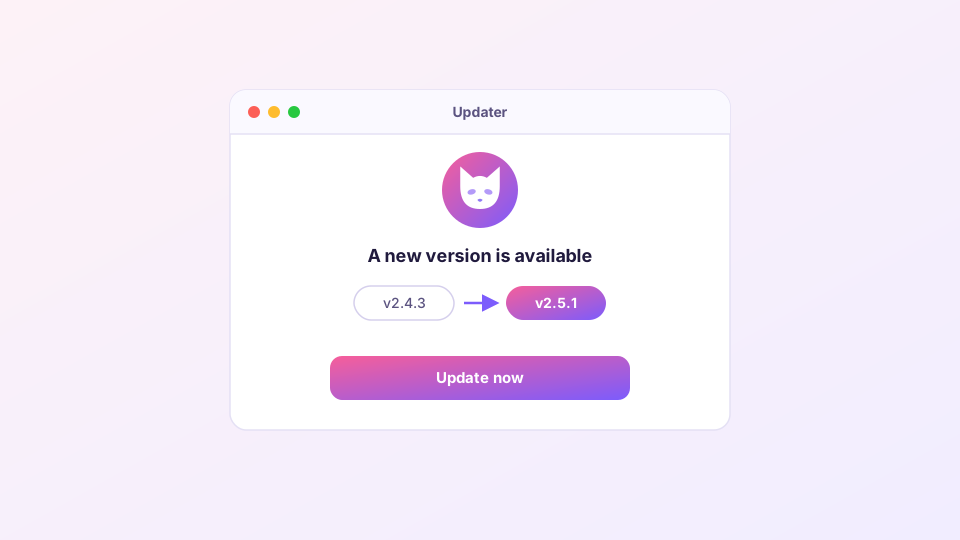
Open Settings and use "Check for updates". When a new version is found, the app downloads it, swaps itself out and restarts. Subscriptions, node choices and settings all survive — nothing to reconfigure.
If the update check spins forever, GitHub is probably unreachable from your network. Make sure the proxy is up first, or fall back to the manual method below.
Option 2: Install over the top
Fetch the latest installer from the download page and run it — no need to uninstall first. The installer replaces the old files and leaves your configuration untouched. Linux users: install the new deb/rpm with the package manager, same effect.
One thing worth doing before big updates
Overwrite installs almost never go wrong, but if you maintain elaborate Merge/Script configs or a long custom rule list, take a one-minute backup first: hit backup once if you use WebDAV backup, or copy the config folder manually:
Windows: %APPDATA%\io.github.clash-verge-rev.clash-verge-rev
macOS:   ~/Library/Application Support/io.github.clash-verge-rev.clash-verge-rev
Linux:   ~/.config/io.github.clash-verge-rev.clash-verge-rev
Reading the version numbers
The bottom of Settings shows two versions: the client (v2.5.8-style) and the core (Mihomo v1.19.x-style). In-app updates refresh both. The Settings page also lets you switch to the Alpha core for early features — fine for testing, not recommended as a daily driver.
If something breaks after updating
- Blank window or crash on start: run through startup troubleshooting; to roll back, grab the previous version from GitHub Releases and install over the top — configs are compatible in both directions.
- Subscription refuses to update: newer cores validate config fields more strictly; the error names the offending line. See subscription troubleshooting or ask your provider to fix their template.
- TUN stopped working: reinstall the service once from Settings ("Install service") — a known post-update hiccup.
Only update from this site or the official GitHub repository. Plenty of highly-ranked "Clash Verge download" sites repackage the installer; how to tell them apart is covered in verifying official downloads.