
The browser has been proxied for hours; git clone still crawls. Command-line tools do not read the OS proxy setting — they respect environment variables and their own config files, and nothing else. Here is every common tool, configured. Examples use Clash Verge's default mixed port 7897; adjust if you changed it.
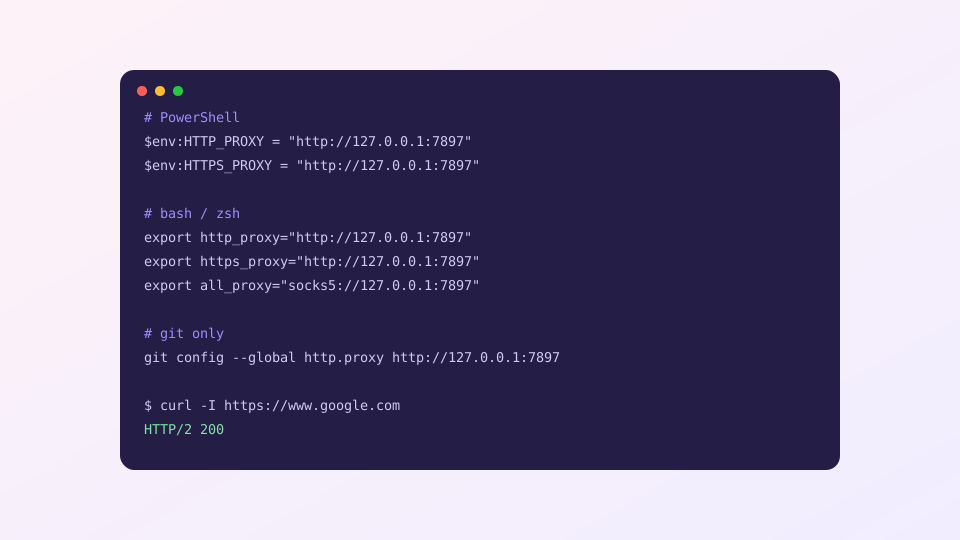
The universal method: environment variables
PowerShell (Windows)
$env:HTTP_PROXY  = "http://127.0.0.1:7897"
$env:HTTPS_PROXY = "http://127.0.0.1:7897"
bash / zsh (macOS, Linux)
export http_proxy="http://127.0.0.1:7897"
export https_proxy="http://127.0.0.1:7897"
export all_proxy="socks5://127.0.0.1:7897"
Scope: the current shell session only — close the window and it is gone. Usually a feature, not a bug: nothing else on the system is affected. Verify:
curl -I https://www.google.com # HTTP/2 200 = workingMake it a one-word toggle
Typing that every time gets old. In ~/.bashrc / ~/.zshrc:
alias pon='export http_proxy=http://127.0.0.1:7897 https_proxy=http://127.0.0.1:7897 all_proxy=socks5://127.0.0.1:7897'
alias poff='unset http_proxy https_proxy all_proxy'
PowerShell users: equivalent functions in $PROFILE. From then on: pon to enable, poff to disable.
Tools that want their own config
git
git config --global http.proxy http://127.0.0.1:7897
# undo:
git config --global --unset http.proxy
This covers HTTPS remotes only. SSH remotes ([email protected]) need a ProxyCommand in ~/.ssh/config — or just switch the remote to HTTPS.
npm / pnpm
npm config set proxy http://127.0.0.1:7897
npm config set https-proxy http://127.0.0.1:7897
pip
pip install package --proxy http://127.0.0.1:7897pip also honors the environment variables, so usually nothing to configure.
docker
Two separate places, commonly confused: docker pull goes through the daemon — configure it in Docker Desktop → Settings → Resources → Proxies. Build-time traffic inside containers takes --build-arg HTTP_PROXY=… instead.
The zero-config alternative: TUN
Enable TUN mode and every terminal tool goes through the proxy with none of the above. The trade-off is global coverage; per-tool selectivity is what environment variables are for. You can also invert the approach: TUN for everything, plus process rules to carve out exceptions.
Classic pitfall: writing localhost instead of 127.0.0.1. Some tools resolve localhost to IPv6 ::1 while the core listens on IPv4 only — the symptom is "set a proxy, lost all connectivity". Stick to 127.0.0.1.