
A common setup: you have a transit server with a good route but a dirty IP, and a landing server with a clean residential-grade IP whose direct route is terrible. You want traffic to hop through the transit first and exit at the landing. mihomo gives you two ways to express that, and they are not interchangeable.
Option one: a relay group
The straightforward one. Create a relay group in proxy-groups and list the hops in order:
proxy-groups:
  - name: Chain
    type: relay
    proxies:
      - Transit-HK
      - Landing-JP
Traffic follows the list order: your machine, then Transit-HK, then Landing-JP, then the destination. Point a rule at Chain and nothing else needs to change.
A relay group takes concrete nodes, not other groups. If you want one hop to stay switchable, use the dialer-proxy form below.
Option two: per-node dialer-proxy
The flexible one. Add a dialer-proxy field to the landing node, declaring what its outbound connections should go through first:
proxies:
  - name: Landing-JP
    type: vless
    server: jp.example.com
    port: 443
    dialer-proxy: Transit
Transit here can be a node name or a group name. Point it at a group and the transit hop becomes switchable — pick a different transit at any time while the landing stays put. A relay group cannot do that.
Count the cost first
- Latency adds up. The two round trips stack. The number on the latency test is for the whole chain, so do not compare it against single-hop nodes.
- Bandwidth takes the minimum. The chain runs at the speed of its slowest hop. A transit capped at 20 Mbps caps everything at 20.
- Availability multiplies. Any hop going down takes the whole chain with it.
- UDP needs every hop. One hop that does not forward UDP kills UDP for the chain. For games, start from UDP and gaming optimisation.
So chaining is not an acceleration technique. It pays off only when the transit genuinely improves the long-haul leg — a dedicated line or a good BGP transit. Otherwise an extra hop is pure loss.
Confirm the chain actually forms
- Test the hops separately first. Set Transit as the exit, check connectivity; do the same for Landing. Skip this and you will not know which half is broken later.
- With the chain in place, open the Connections page and expand any connection — both node names should appear in the chain field, in order.
- Run
curl ip.sb. The address returned must be the landing node's, not the transit's.
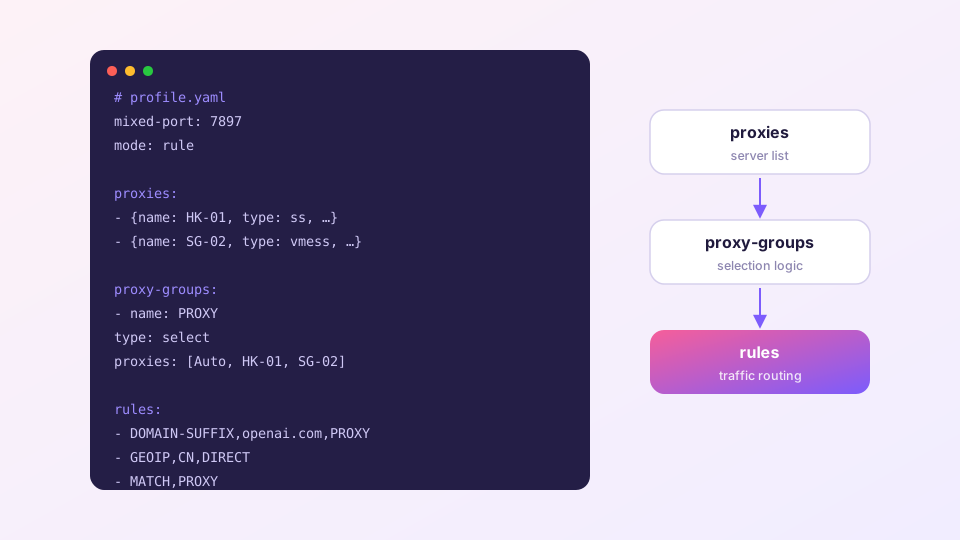
To chain only certain sites and leave everything else alone, point a single rule at the group; syntax is in the custom rules reference. For how group types differ in general, see the config structure guide.